Camera01 / 06
Explore a new angle.
Move around your subject and experiment with different camera perspectives, elevations and framing.
- Azimuth 0° to 315°
- Elevation −30° to 60°
- Close-up to wide

AI photography studio for fashion & jewellery
Create new angles, lighting and looks from the photos you already have.
Public betaTry IMAGIO and help shape what comes next.
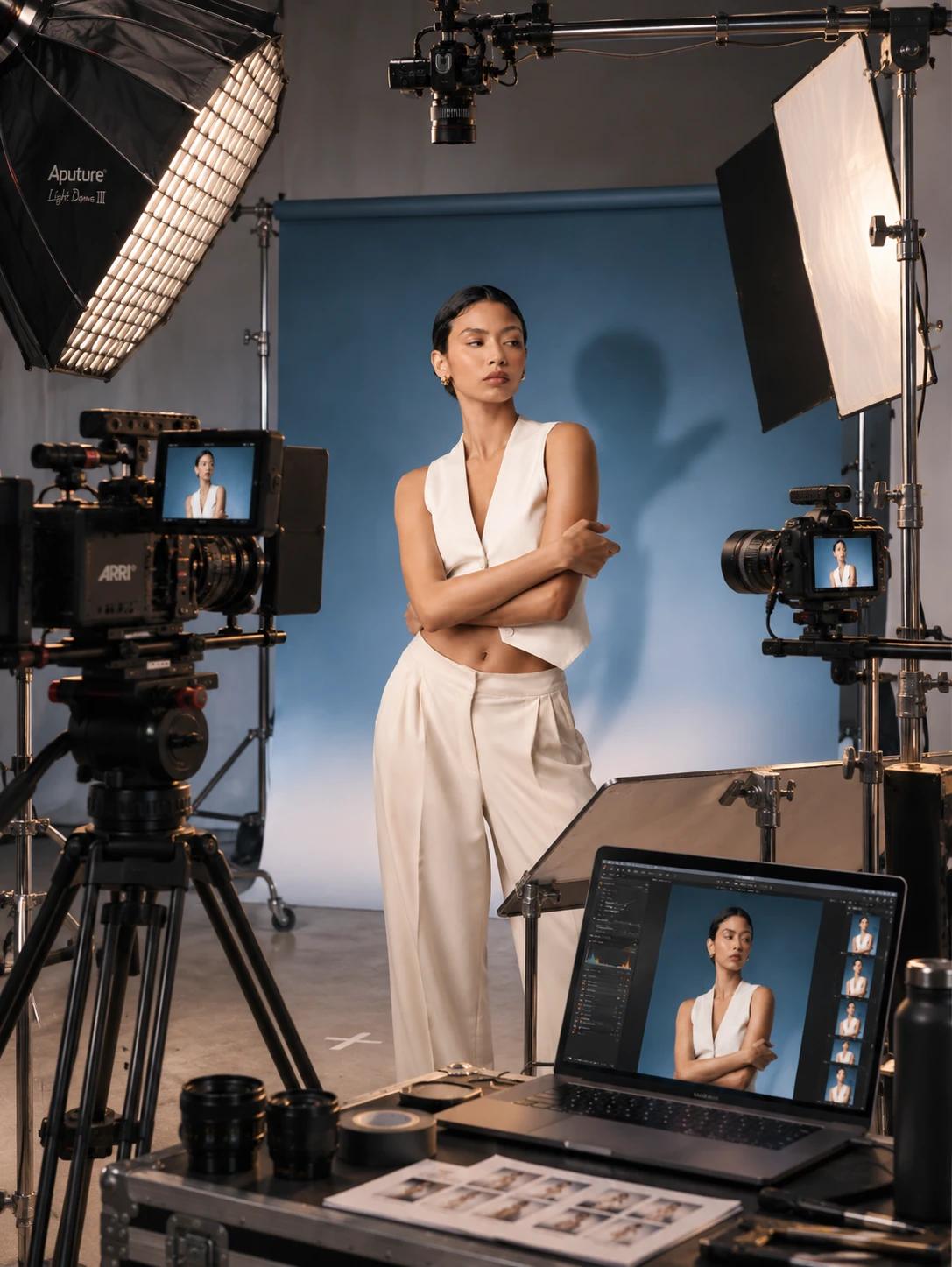
Turn existing fashion and jewellery photographs into fresh creative variations.
Explore new perspectives, lighting, poses and backgrounds without setting up another shoot.
Everything you need to explore a new creative direction from a single photograph.
Move around your subject and experiment with different camera perspectives, elevations and framing.
Explore different studio lighting setups, from soft beauty light to dramatic shadows. Adjust the direction of light to shape the scene.
Explore editorial model poses or describe a custom pose to create a new composition.
Touch up selected areas or refine visible skin while keeping the rest of the photograph intact.
Replace the background with a curated scene, describe a setting or use a reference image to guide the visual direction.
Explore different focal lengths and depth of field, from wide environmental compositions to focused portraits.
Explore new perspectives, lighting setups, model poses and backgrounds without starting another shoot.
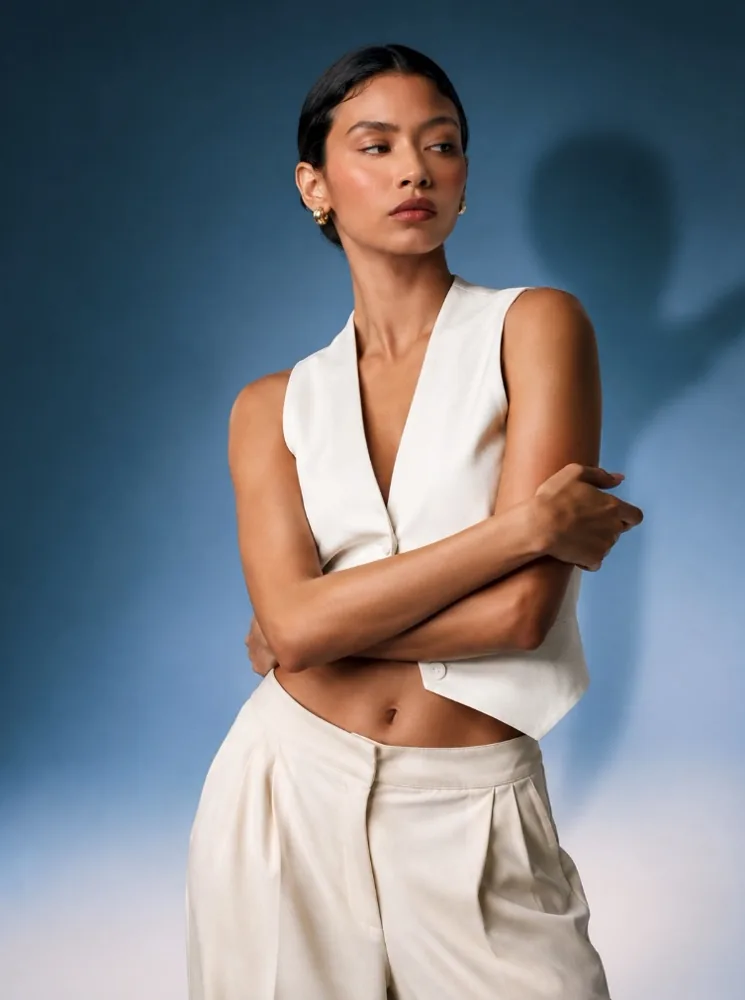
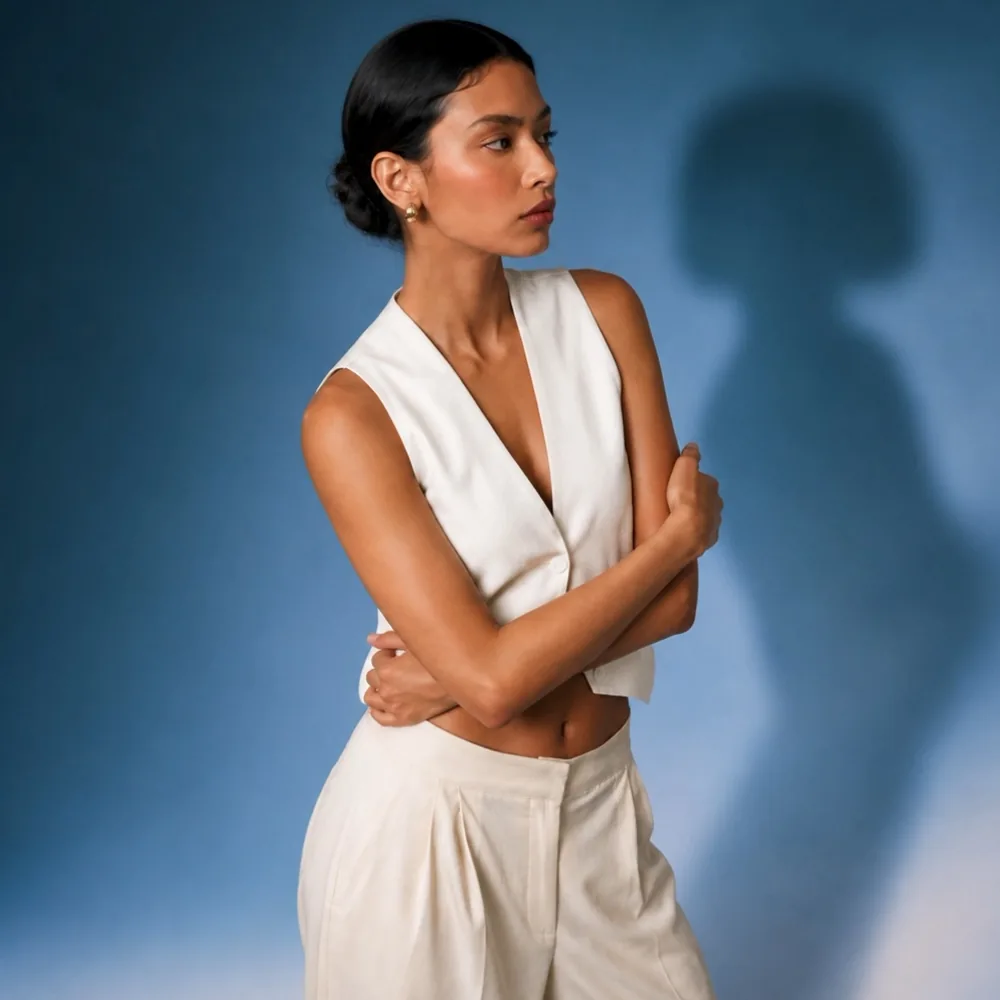
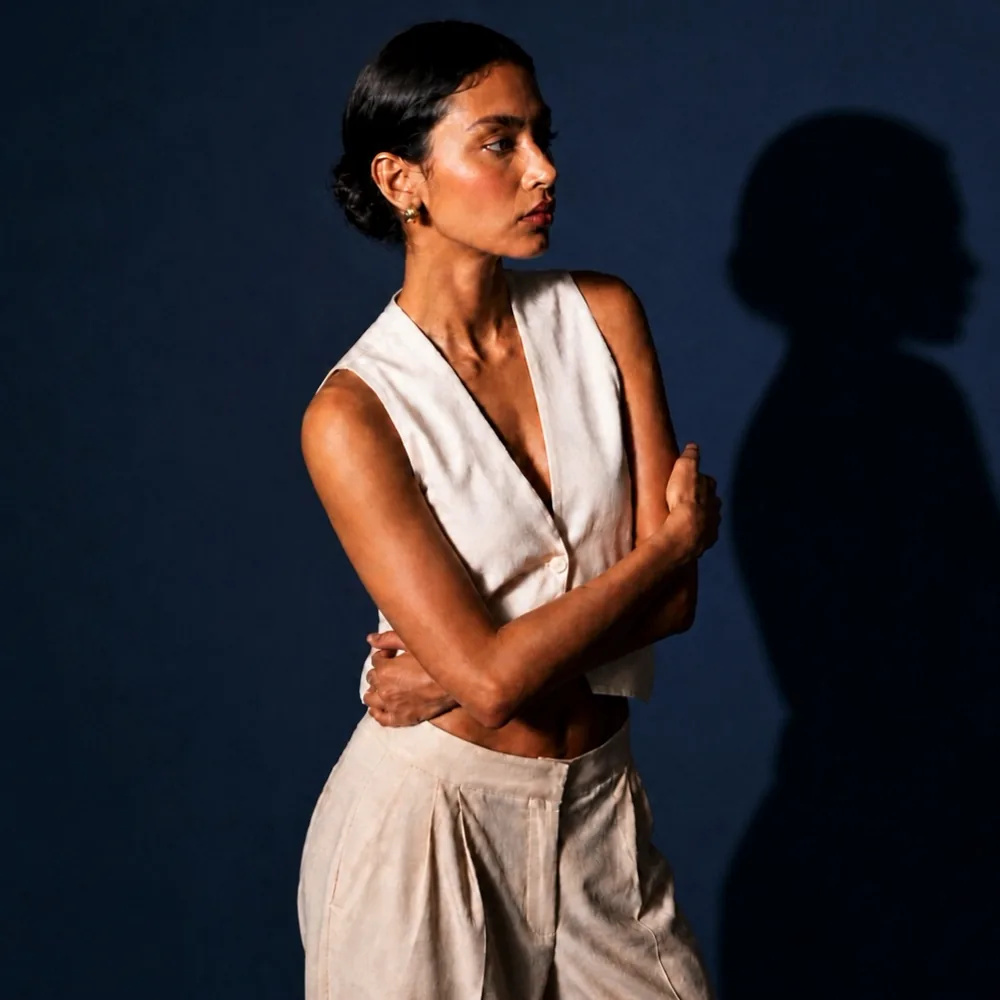
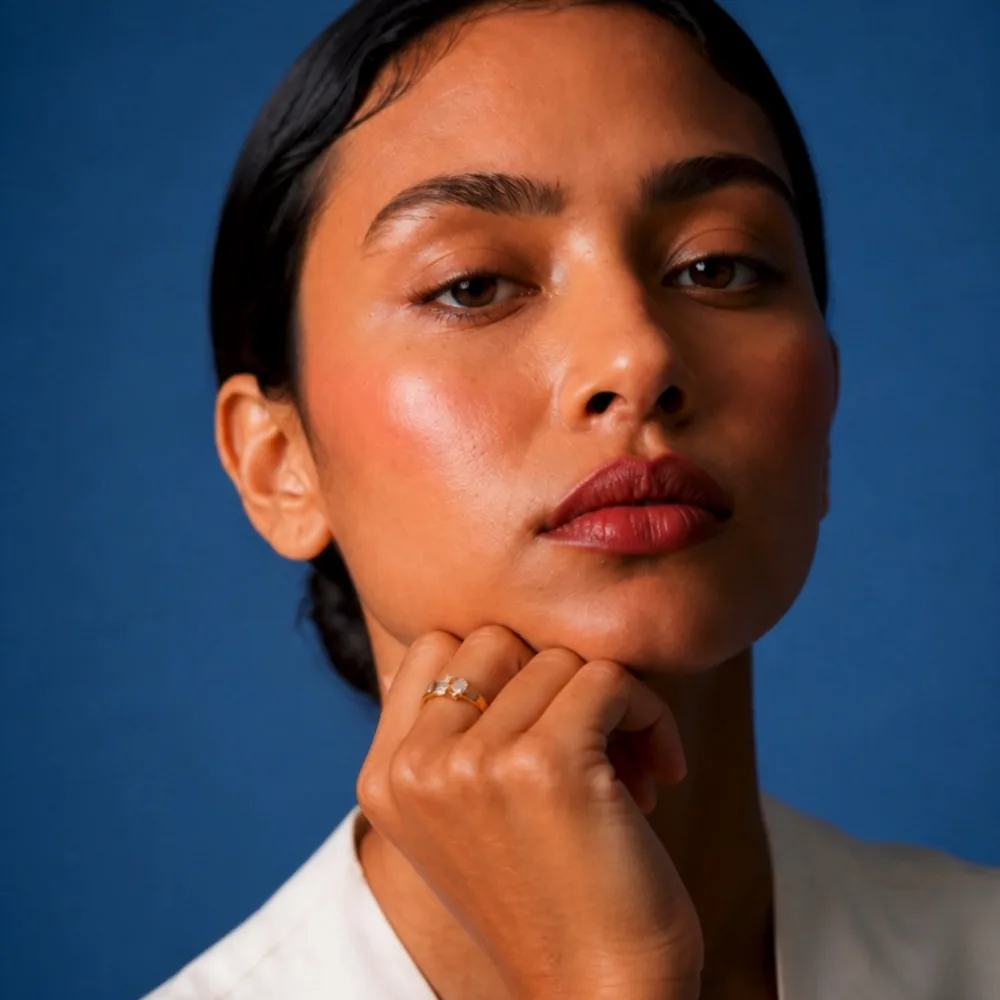
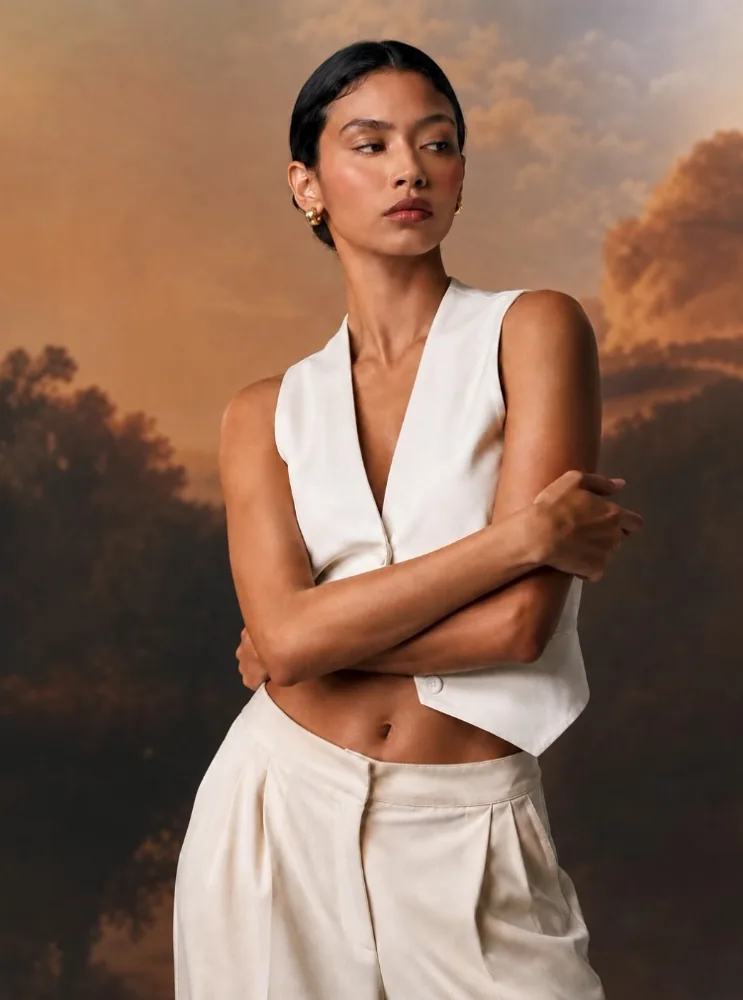
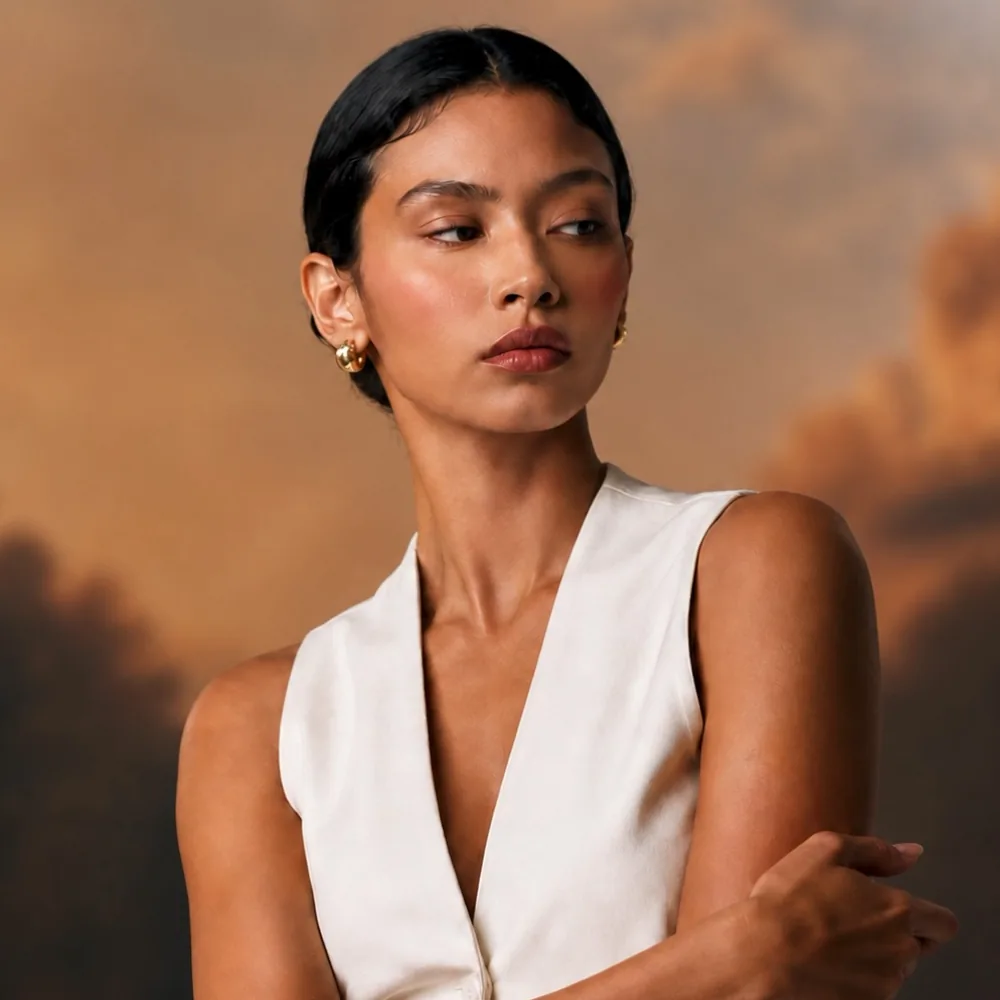
Every image here was generated in the IMAGIO studio from the original photograph.
Start with a fashion or jewellery photograph from an existing shoot.
Choose your camera angle, lighting, pose, lens and background.
Generate new visual variations with AI.
Explore new poses, lighting and creative directions from existing fashion shoots.
Create new visual variations while working with existing jewellery photography.
Explore more campaign and catalogue possibilities from existing product shoots.
IMAGIO is an AI photography studio that helps photographers create new visual variations from existing fashion and jewellery photographs.
Upload an existing photograph, choose your creative adjustments such as camera angle, lighting, pose or background, and generate a new variation using AI.
No. IMAGIO is designed to help you explore additional creative directions from photographs you already have.
Yes. IMAGIO includes camera controls that let you explore different viewing angles, elevations and framing.
Yes. You can experiment with lighting presets, light direction and alternative backgrounds.
Yes. You can select available editorial poses or describe a custom pose using the Pose It tool.
IMAGIO is designed for fashion and jewellery photographers, creative studios, brands and e-commerce teams who want to explore more variations from existing photographs.
IMAGIO offers a visual studio workflow with creative controls and presets. You can experiment with different directions without writing complex AI prompts.
Bring your photographs. Explore what’s possible.
Public betaTry IMAGIO and help shape what comes next.